


Model Details
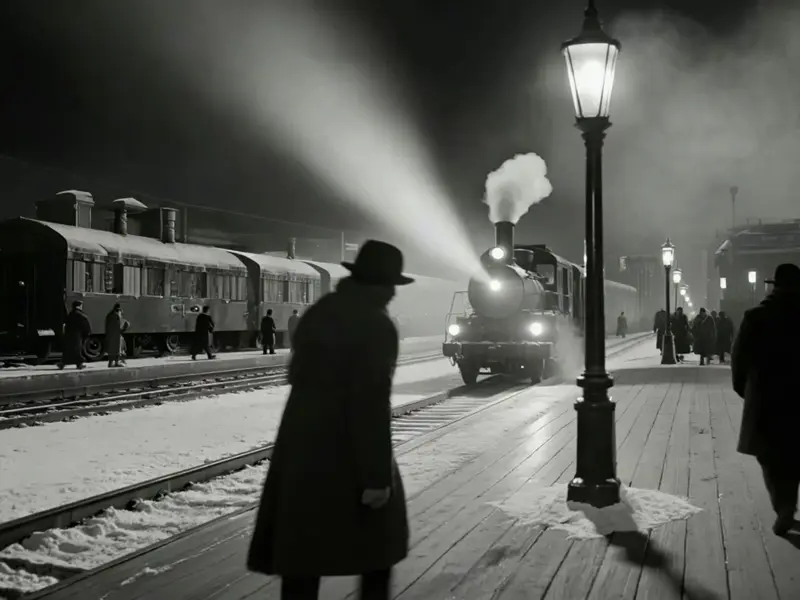
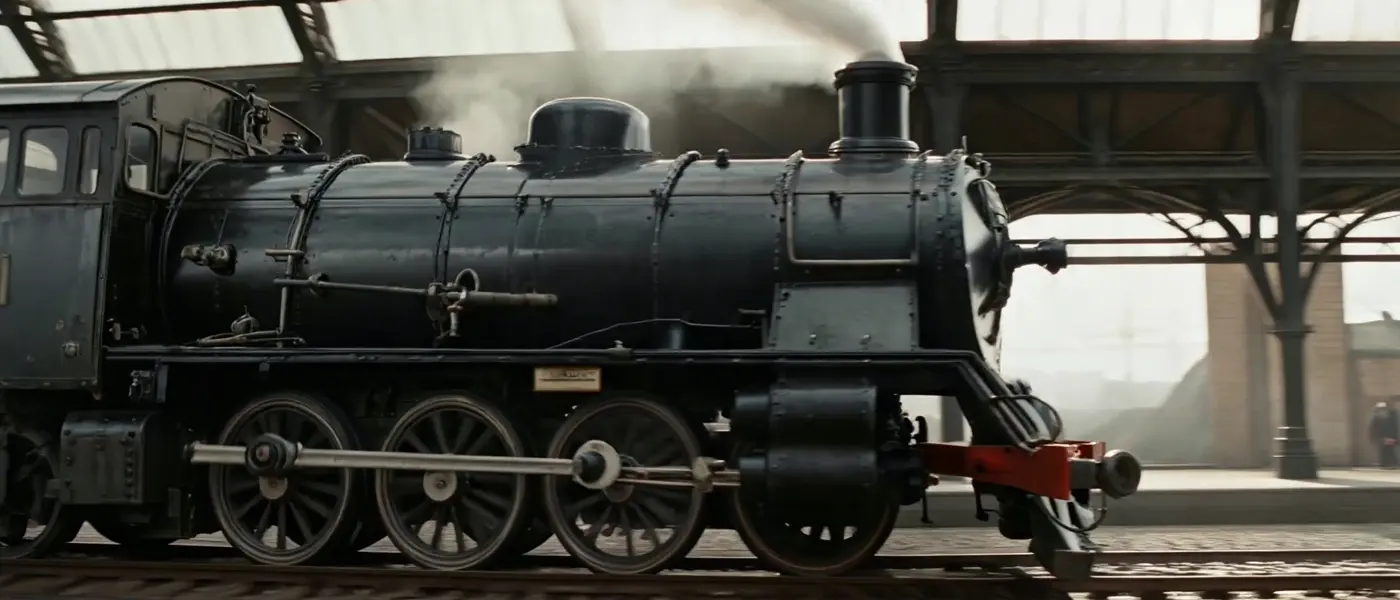
Seedance 1.5 Text-to-Video is a powerful generative model designed to create dynamic, high-quality videos directly from written descriptions. A key feature of this model is its native ability to generate synchronized audio alongside the video, providing a complete audiovisual experience from a single text prompt. Whether you are using the app interface to experiment or downloading the final renders, this model makes it incredibly simple to produce compelling multimedia content.
Features - Integrated Audio Generation — automatically generates matching soundscapes and dialogue to enhance the realism of the scene. - Camera Stability Control — offers the ability to fix the camera position for locked-off, stable shots. - Flexible Output — supports various resolutions and aspect ratios to fit different display formats. - Fast Generation — optimized for quick rendering of multi-second clips.
What it’s good at - Creating cinematic scenes, dramatic character moments, and vivid environments. - Generating complete audiovisual prototypes for storytelling, marketing, and social media. - Producing high-quality video concepts with perfectly matched sound effects.
Tips - Write highly descriptive prompts including action, environment, lighting, and specific sound cues (e.g., "footsteps on marble", "jury shifting"). - Use the `generate_audio` toggle to easily switch between complete audiovisual outputs and silent videos. - Enable `camera_fixed` when you need a static, steady shot without unwanted panning or dynamic camera movements.
## Safety & Content Moderation
The model includes a safety moderation feature to prevent the generation of inappropriate content. - **`enable_safety_checker`**: Controls the built-in safety filter. It is enabled by default (`true`) to ensure safe outputs. This setting can only be configured via the API and cannot be adjusted from the UI.
```javascript // Example configuring the safety checker via API const result = await modelrunner.subscribe("bytedance/seedance-v1.5/text-to-video", { input: { prompt: "A peaceful forest with birds chirping in the morning.", enable_safety_checker: true, } }); ```
To run via ModelRunner JavaScript client: ```javascript import { modelrunner } from "@modelrunner/client";
const result = await modelrunner.subscribe("bytedance/seedance-v1.5/text-to-video", { input: { prompt: "Defense attorney declaring 'Ladies and gentlemen, reasonable doubt isn't just a phrase, it's the foundation of justice itself', footsteps on marble, jury shifting, courtroom drama.", camera_fixed: false, generate_audio: true, aspect_ratio: "16:9", resolution: "720p", duration: "5" }, }); console.log(result.data); ```