

Model Details
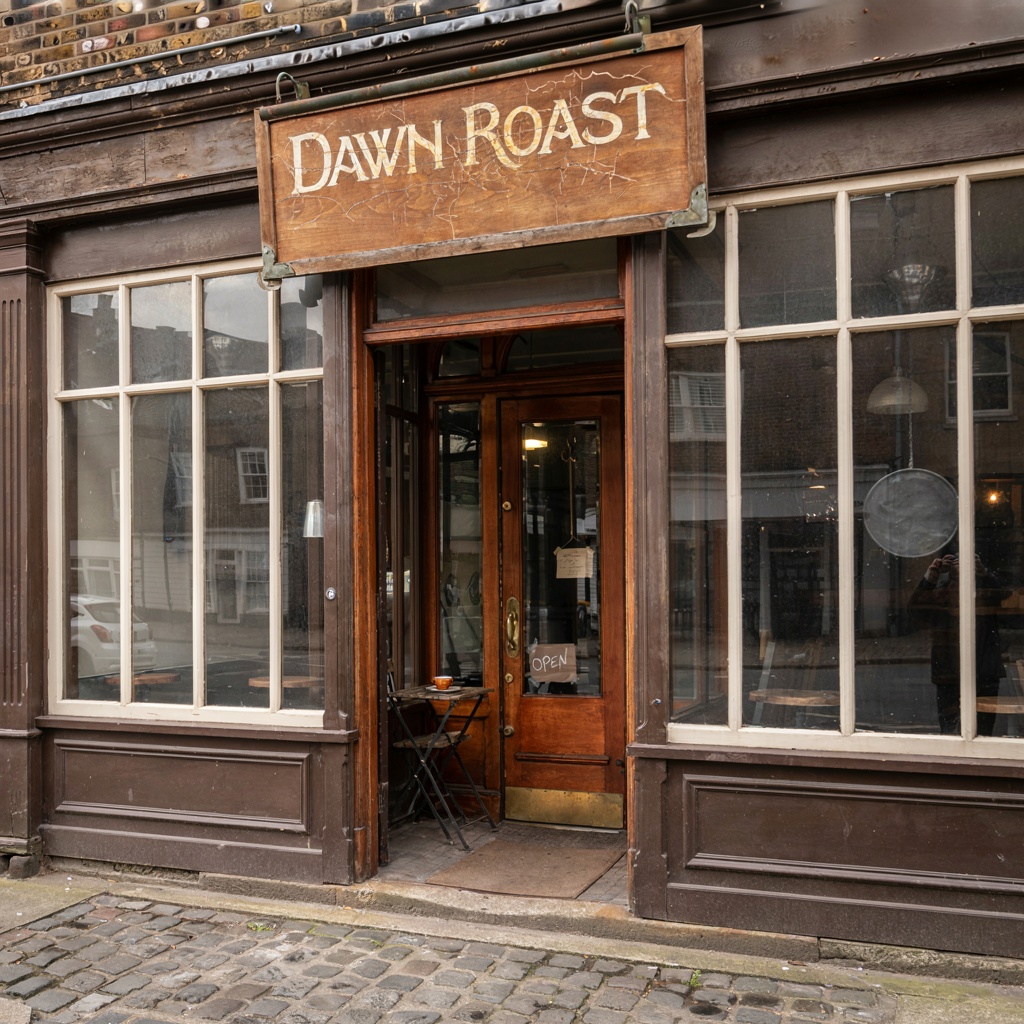
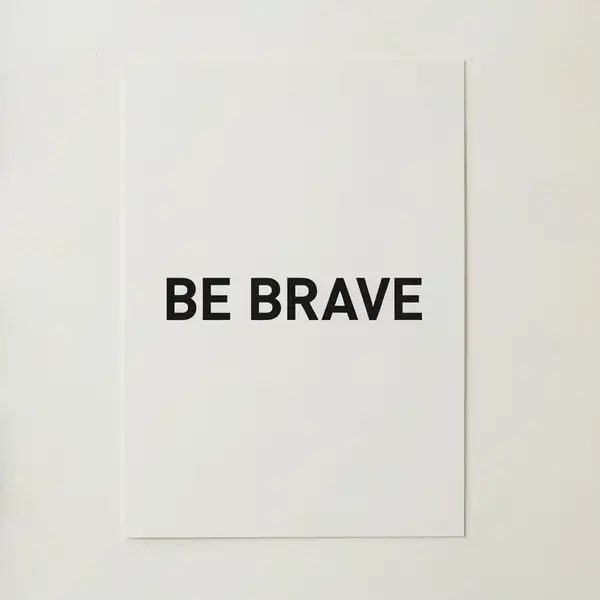
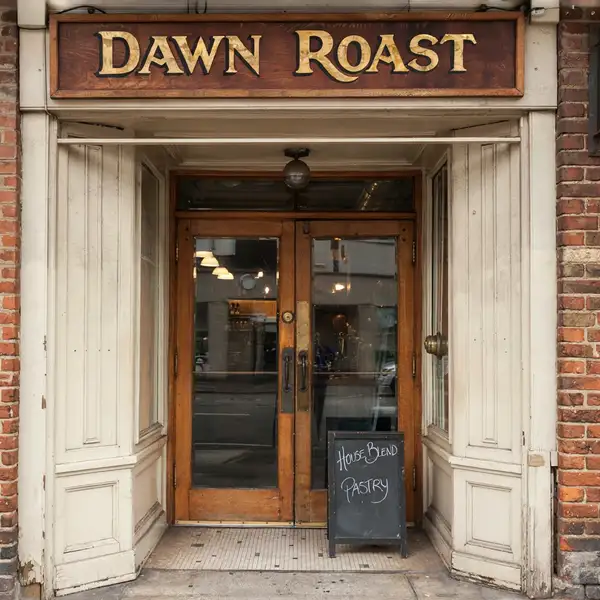
Ideogram V4 turns a text prompt into a high-quality image, and its standout strength is one most image models still get wrong: rendering accurate, legible text inside the image. Ask for a logo, a movie poster, a product label, or a street sign with real words on it, and it keeps the spelling, layout, and typography coherent. It also handles general photorealistic and illustrative generation across a wide range of styles and aspect ratios.
## Best for - Brand logos and wordmarks where the lettering must be spelled and laid out correctly - Posters, ad creative, book covers, and album art built around a headline or tagline - Signage, storefronts, and menus that read as real text in the scene - Product packaging and labels with legible names and copy - Typographic and graphic-design compositions where letters must stay sharp
## Choose another model when - You want to transform or restyle an existing image rather than generate from a prompt — use the image-to-image variant `ideogram/ideogram-v4/image-to-image` - You need long paragraphs of body text or precise document layout — a text-to-image model (including this one) is not a substitute for a real design or typesetting tool
## Tips - Put the exact words you want rendered in quotes in your prompt, e.g. a poster that reads `"GRAND OPENING"` - Keep on-image text short and specific; long passages are harder to render perfectly - Pick an `image_size` preset that matches the medium — `portrait_4_3` for posters, `landscape_16_9` for banners
## Advanced Configuration
### rendering_speed Controls the speed/quality/cost tradeoff. `TURBO` is the fastest and cheapest, `BALANCED` (the default) is the middle ground, and `QUALITY` is the best but slowest and most expensive. It affects both how long generation takes **and** how much each image costs, so choose `TURBO` for quick drafts and `QUALITY` for final hero images.
```js input: { prompt: "...", rendering_speed: "QUALITY" } ```
### expansion_model This is the "Magic Prompt" feature, which automatically enriches your prompt with extra descriptive detail before generation. Options are `None`, `Medium` (the default), and `Large` — `Large` applies the most enrichment for the most detailed result, while `None` uses your prompt exactly as written for full literal control. Use a larger value when your prompt is short or sparse, and `None` when you want precise adherence.
```js input: { prompt: "...", expansion_model: "Large" } ```
To run via the ModelRunner JavaScript client: ```js import { modelrunner } from "@modelrunner/client";
const result = await modelrunner.subscribe("ideogram/ideogram-v4", { input: { prompt: 'a vintage travel poster that reads "VISIT MARS"', image_size: "portrait_4_3", rendering_speed: "QUALITY", expansion_model: "Large", }, }); ```