

Model Details
Seedream 4.5 Image Editing is a next-generation model by ByteDance that integrates image generation and advanced editing capabilities into a single, unified architecture. This specific variant focuses exclusively on advanced image-to-image transformation and stylization, allowing users to modify existing images with precise text prompts. Whether you are running it directly through the UI to download results instantly or integrating it into your applications, Seedream provides high-fidelity, creative visual adjustments.
A standout feature of this model is its ability to ingest multiple reference images simultaneously. By providing up to 10 input images, you can instruct the model to blend elements, replace specific products, or transfer styles across your references. This makes it incredibly powerful for e-commerce, advertising, and creative design tasks where you need to combine a product from one image, a background from another, and layout instructions from a third.
**Features** - **Multi-Image Processing**: Supply up to 10 input images to serve as references for your edit. - **Text-Guided Transformations**: Use natural language prompts to dictate exactly how the input images should be altered, combined, or stylized. - **Unified Architecture**: High-quality structural understanding allows for realistic product replacements and composite creations.
**What it’s good at** - Replacing subjects or products seamlessly within an existing scene. - Transferring visual styles across multiple reference photos. - Combining disparate elements into a single, cohesive composition.
## Advanced Configuration
**Multi-Image Generation (`max_images`)** When you need the model to output multiple edited variations per generation cycle, you can adjust the `max_images` parameter. Setting this above `1` enables multi-image output. The model will perform `num_images` generations and potentially return up to `max_images` images per generation. Your total output will range between `num_images` and `max_images * num_images`. Note that the combined total of input images and output images cannot exceed 15.
```javascript // Example of configuring max_images input: { max_images: 2, num_images: 1 } ```
To run this model via the ModelRunner JavaScript client:
```javascript import { modelrunner } from "@modelrunner/client";
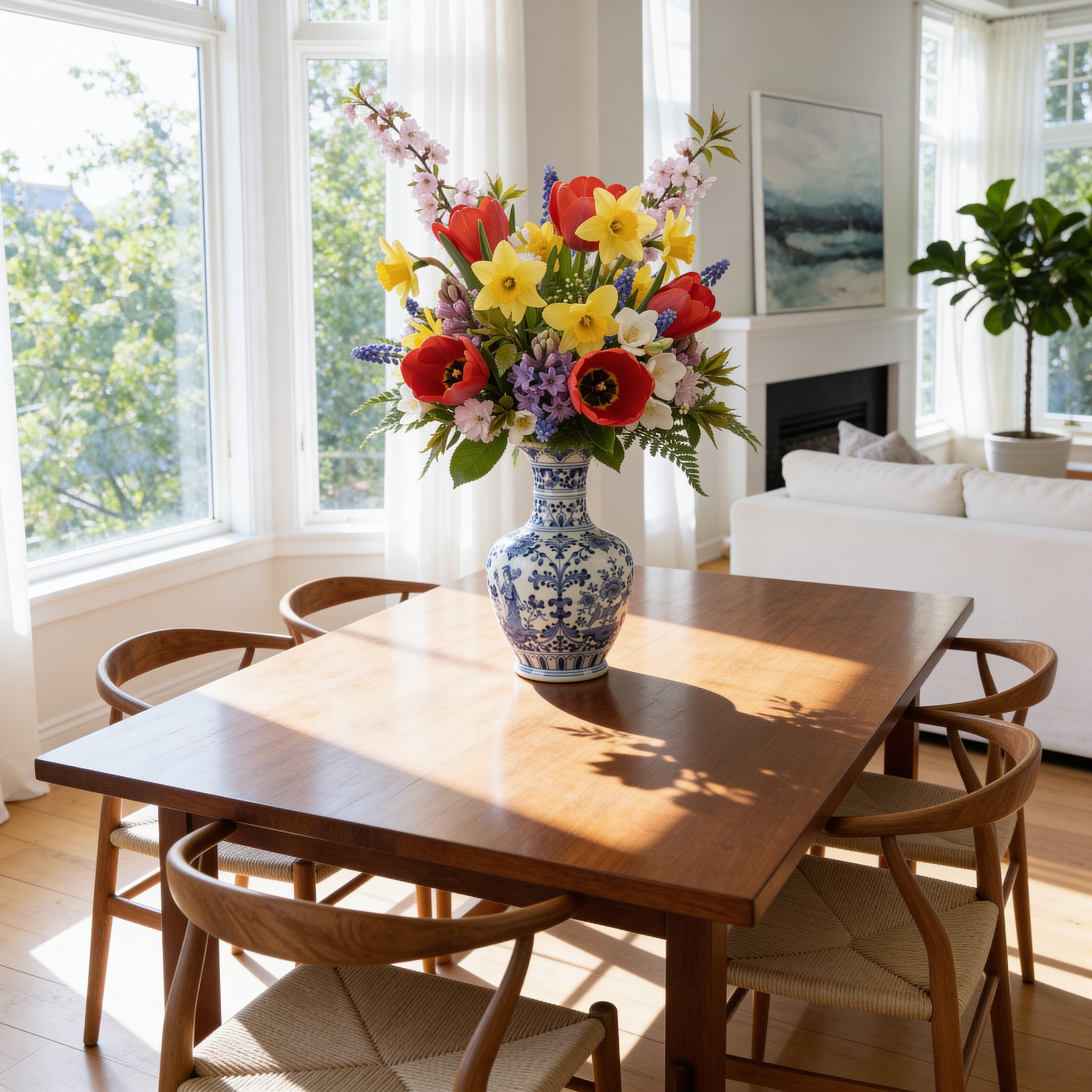
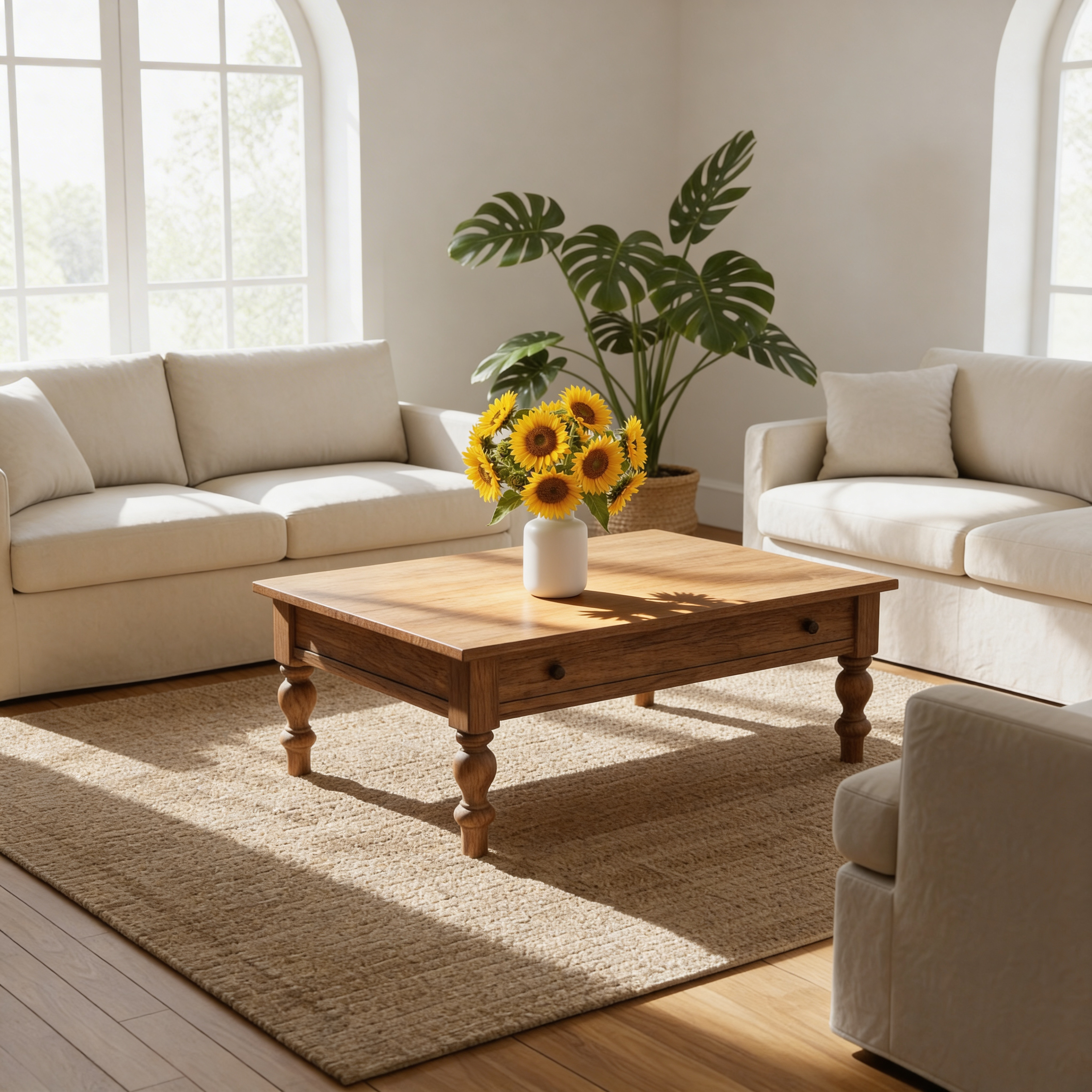
const result = await modelrunner.subscribe("bytedance/seedream-v4.5/edit", { input: { prompt: "Replace the product in Figure 1 with that in Figure 2. For the title copy the text in Figure 3 to the top of the screen, the title should have a clear contrast with the background but not be overly eye-catching.", image_urls: [ "https://example.com/inputs/seedream_edit_input_1.png", "https://example.com/inputs/seedream_edit_input_2.png", "https://example.com/inputs/seedream_edit_input_3.png" ], image_size: "auto_4K", max_images: 1 } });
console.log(result.data); ```