

Model Details
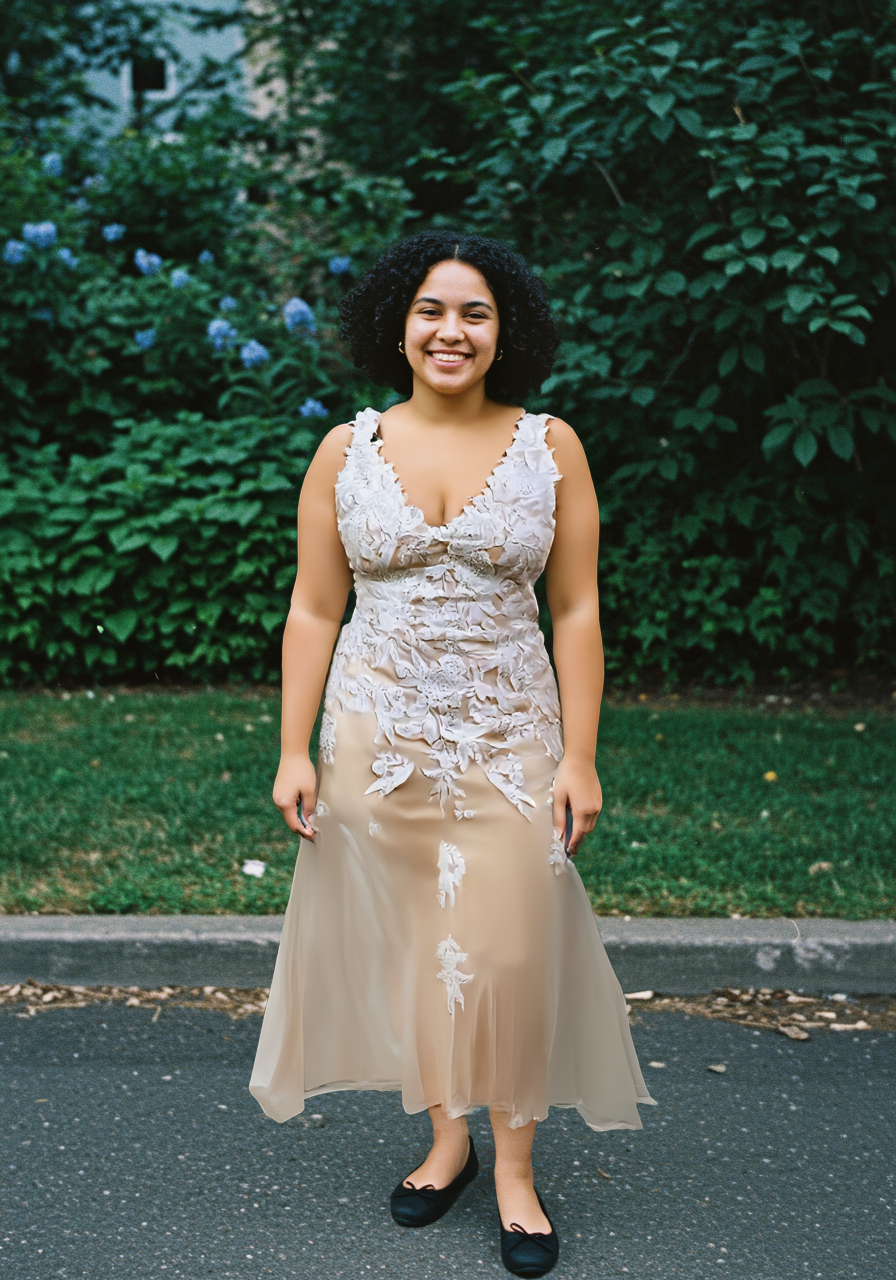
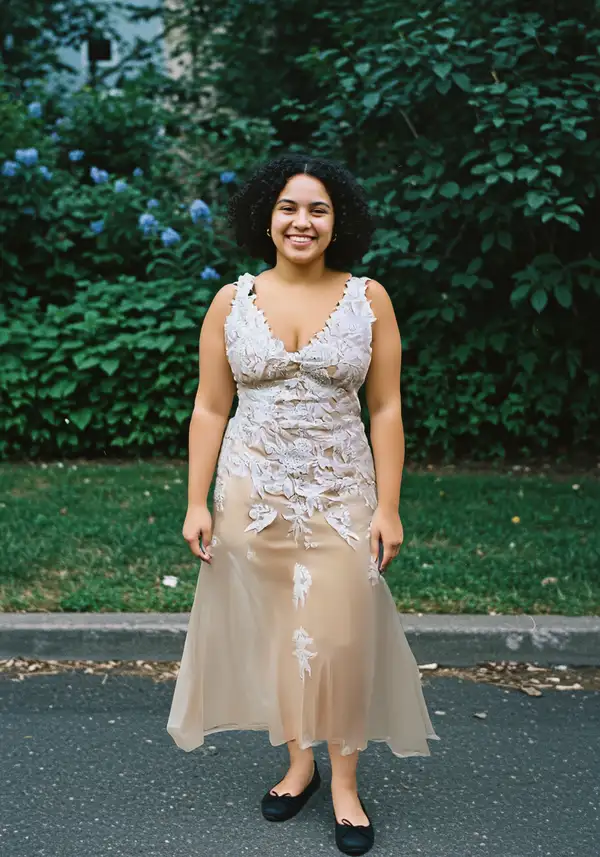
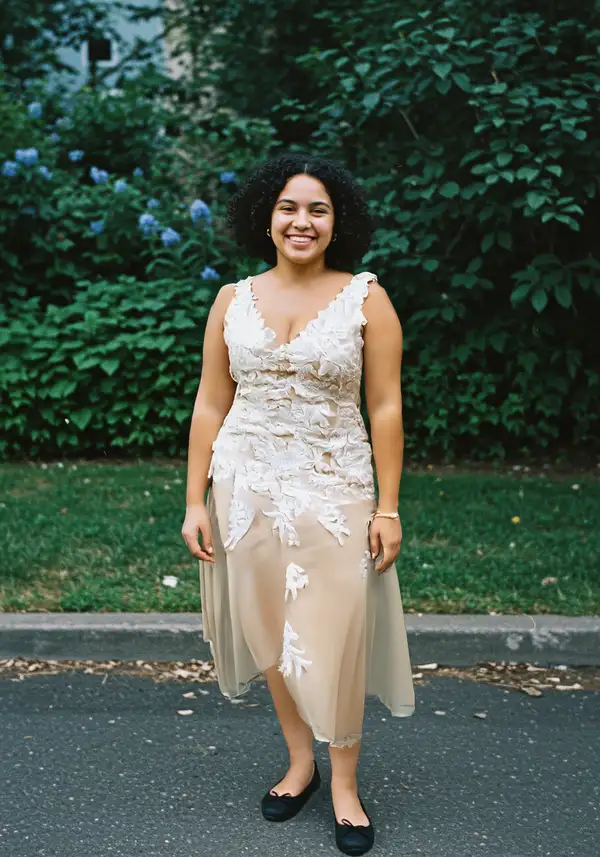
FASHN Virtual Try-On v1.6 puts a real garment onto a person. Provide a photo of a model (or any person) and a photo of a piece of clothing — either a flat-lay product shot or a garment already worn by someone — and it returns a photo of that person wearing the garment at 864x1296 resolution. Its strength is fidelity: it renders fabric texture, patterns, prints, and printed text on the garment faithfully while the clothing drapes, folds, and fits to the body naturally instead of looking pasted on. It handles tops, bottoms, and one-piece garments from either flat-lay or on-model source images.
## Best for - E-commerce and catalog imagery — show a product garment on a model without a photoshoot - Swapping the outfit on an existing model photo to a new garment - Visualizing how a flat-lay clothing product looks worn on a real person - Generating consistent on-model looks across many SKUs from product photos - Try-before-you-buy and styling previews from a customer or model photo
## Choose another model when - You want to generate a fashion scene from a text prompt with no garment reference — use a text-to-image model (this endpoint takes no text prompt) - You want to edit, relight, or restyle an image freely rather than place a specific garment on a person — use a general image-editing model - You need the garment shown in motion or a runway video — use an image-to-video model
## Tips - Use a clear, well-lit, mostly unobstructed full-body or upper-body photo for `model_image` so the body and pose are easy to read - Use a clean product shot for `garment_image`; set `garment_photo_type` to `flat-lay` for packshot/laid-flat images or `model` when the source garment is already worn, and leave it `auto` to let the model decide - Set `category` (`tops`, `bottoms`, `one-pieces`) to constrain placement when `auto` guesses wrong - Use `mode` to trade speed for fidelity: `performance` is fastest, `quality` is most detailed, `balanced` is the default
## Advanced Configuration - `mode` — generation strategy: `performance` (fastest), `balanced` (default), or `quality` (highest fidelity). - `garment_photo_type` — tells the model how the garment source is shot: `flat-lay` (laid flat / packshot), `model` (already worn on a person), or `auto` (detect automatically, default).
## Safety & Content Moderation - `moderation_level` controls input/output content filtering: `none`, `permissive` (default), or `conservative`. Raise it to `conservative` for stricter filtering or lower it to `none` to disable moderation.
To run via the ModelRunner JavaScript client: ```js import { modelrunner } from "@modelrunner/client";
const result = await modelrunner.subscribe("fashn/tryon", { input: { model_image: "https://media.modelrunner.ai/topNB55sVLVizJAh-model.png", garment_image: "https://media.modelrunner.ai/7LZiIWv5vp59CTJn-garment.webp", category: "tops", mode: "balanced", }, }); ```