

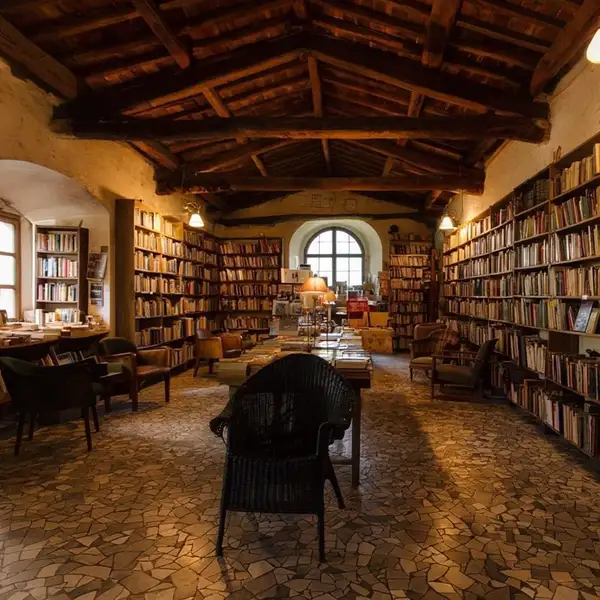
Model Details
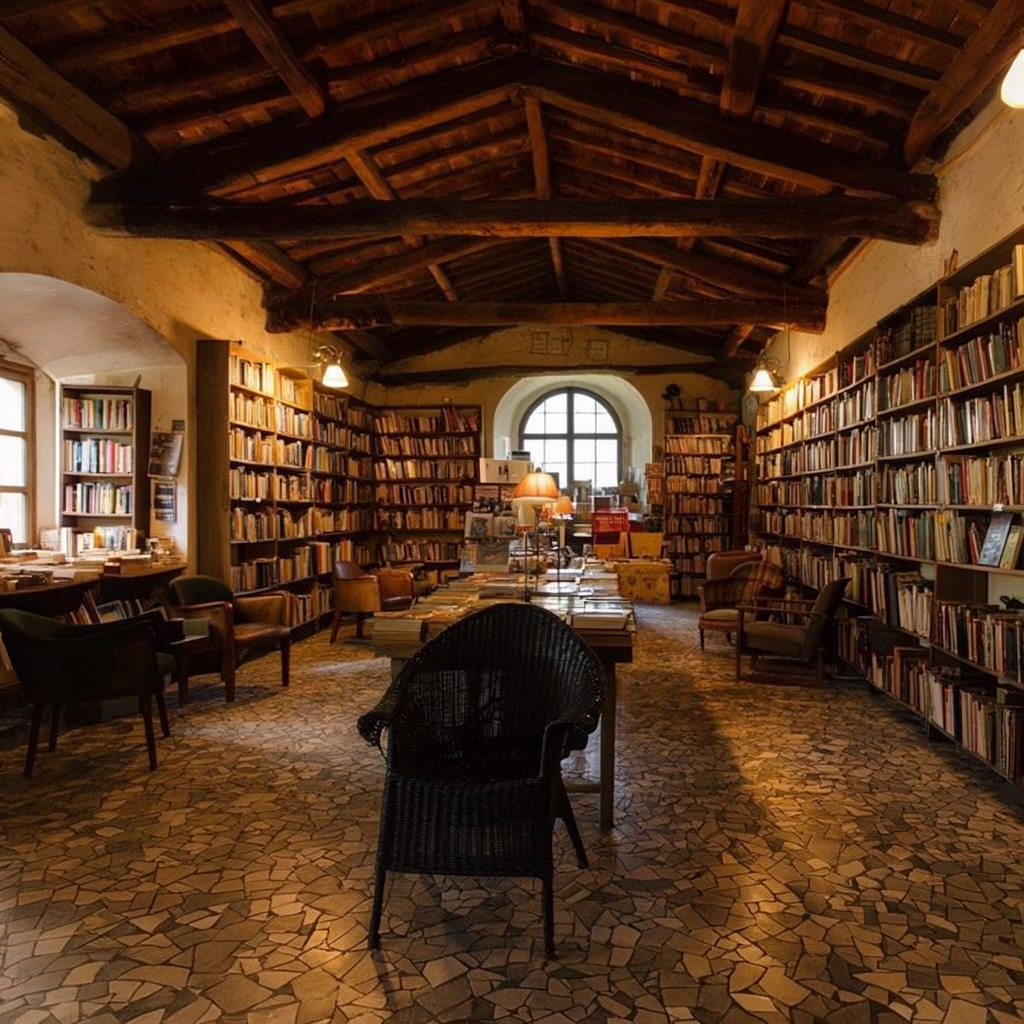
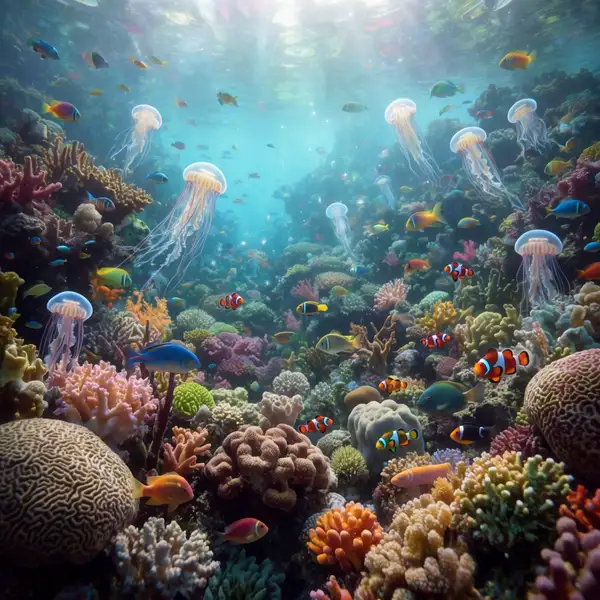
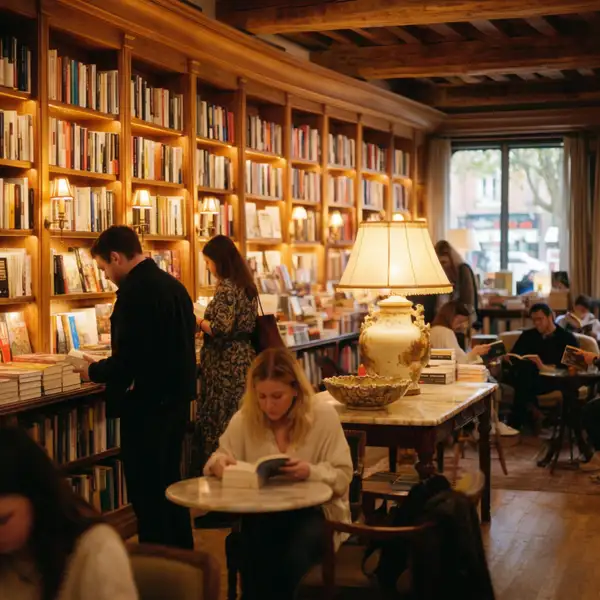
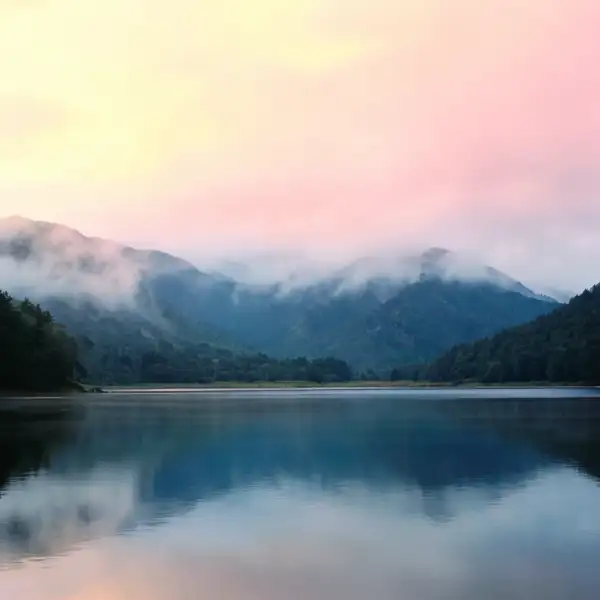
Krea 2 Large turns a text prompt into a single, high-fidelity image. It is tuned for sharp detail, coherent composition, and strong prompt adherence — built for hero stills where one polished result matters more than a batch of quick variations. Write a descriptive prompt, pick a framing with `aspect_ratio`, and the model renders a photoreal or illustrative result that stays faithful to what you asked for.
## Best for - Hero and marketing stills where one clean, polished image carries the shot - Photoreal scenes — interiors, landscapes, product-style imagery — with believable light and detail - Concept art and editorial illustration from long, specific prompts (up to 5000 characters) - Cinematic framing using the `2.35:1` widescreen ratio, or vertical `9:16` compositions for mobile
## Choose another model when - The image must contain a lot of accurate, legible text — logos, posters, signage — use a model specialized in in-image text rendering - You want to edit, restyle, or transform an existing image rather than generate from text — use an image-to-image / image-editing model - You need motion or animation — use a text-to-video or image-to-video model - You need many variations per call — this model returns one image per request
## Tips - Be specific about subject, lighting, lens, and mood; longer, well-structured prompts steer the result more precisely - Use `2.35:1` for film-style scenes and `9:16` for vertical/mobile layouts - Lock a `seed` to reproduce or fine-tune a particular result across prompt tweaks
## Limitations - One image per request — there is no batch or variation count - Very long or contradictory prompts can dilute focus; tighten the prompt if results wander - Fine text, exact object counts, and precise spatial relationships can still be imperfect
## Advanced Configuration - **creativity** — controls how loosely the model interprets your prompt. `raw` follows the prompt most literally with minimal embellishment; `low` stays close with slight refinement; `medium` (default) balances faithfulness with tasteful creative filling-in; `high` allows the most creative drift, adding detail beyond the literal text. Lower it for precise, predictable output; raise it to enrich sparse prompts.
To run via the ModelRunner JavaScript client: ```js import { modelrunner } from "@modelrunner/client";
const result = await modelrunner.subscribe("krea/krea-2-large", { input: { prompt: "a serene mountain lake at dawn, photorealistic, ultra detailed", aspect_ratio: "2.35:1", creativity: "medium", }, }); ```