



Model Details
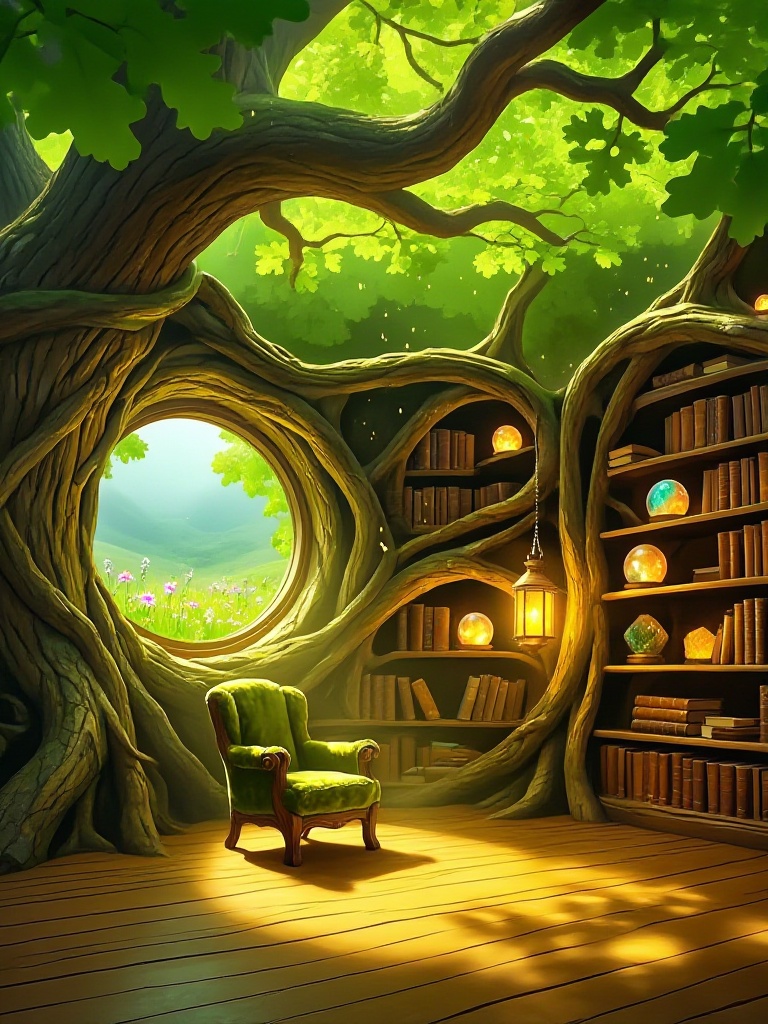
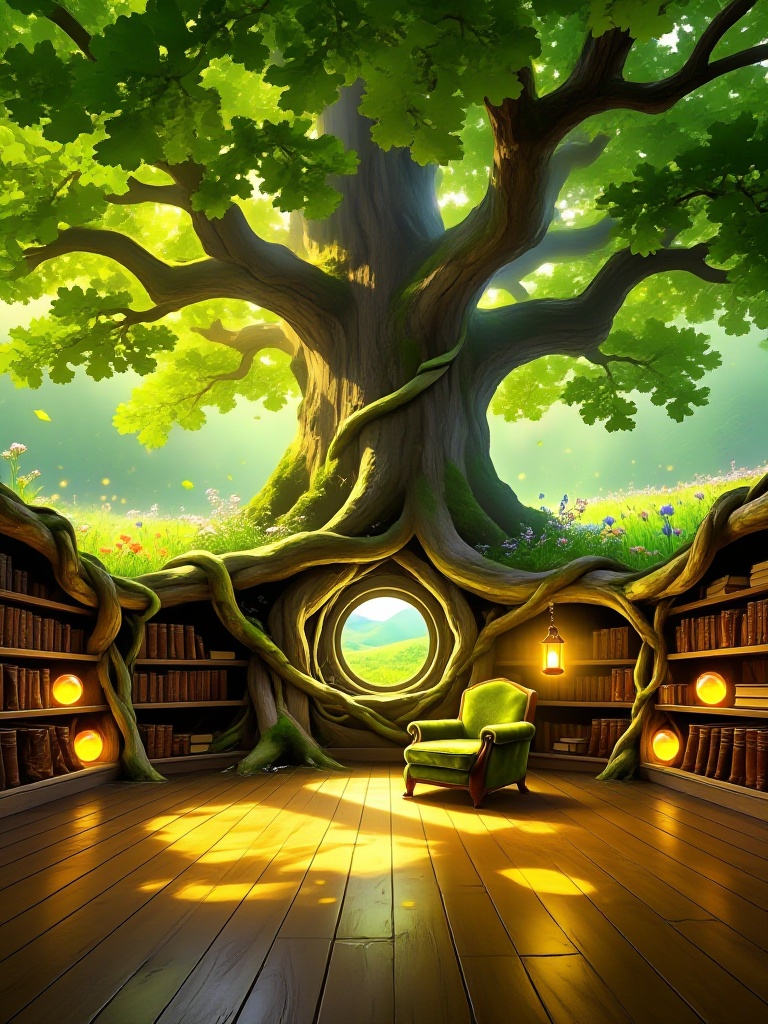
Z-Image Base is a foundational text-to-image generation model designed to deliver high-quality visuals with robust diversity and broad stylistic coverage. As the core of the Z-Image family, this model is engineered to interpret prompts with high precision, making it an ideal tool for creators looking to translate detailed textual descriptions into coherent and aesthetically pleasing images. Whether you are generating concept art, marketing assets, or illustrative content, Z-Image Base aims to respect the nuances of your input while maintaining structural consistency.
Key capabilities of this model include handling complex scene descriptions and offering a wide range of artistic styles. Users can interact with the model directly through the application UI to generate images and download the results immediately. The model supports various configuration options to fine-tune the output, allowing for control over aspect ratios, inference steps, and guidance scales.
**Input Configurations** To get the best results, users can adjust several parameters: * **Prompt**: The primary text description (e.g., "Grandmother knitting by a window"). * **Image Size**: Select from standard aspect ratios like `landscape_4_3`, `square`, or `portrait_16_9` to fit your composition needs. * **Inference Steps**: Control the quality-speed trade-off. The default is 28 steps, but it ranges from 1 to 50. * **Guidance Scale**: Determines how strictly the model follows the prompt. The default is 4. * **Negative Prompt**: Specify elements to exclude from the image.
**Example Usage** To run this model using the ModelRunner JavaScript client, utilize the following code snippet. This example demonstrates a standard generation request with specific sizing and quality settings.
```javascript import { modelrunner } from "@modelrunner/client";
const result = await modelrunner.subscribe("tongyi-mai/z-image/base", { input: { prompt: "Grandmother knitting by a window, an empty chair by her", image_size: "landscape_4_3", num_inference_steps: 28, num_images: 1, enable_safety_checker: true, output_format: "png", acceleration: "regular", guidance_scale: 4, negative_prompt: "blurry, low quality, distorted" } });
console.log(result); ```