


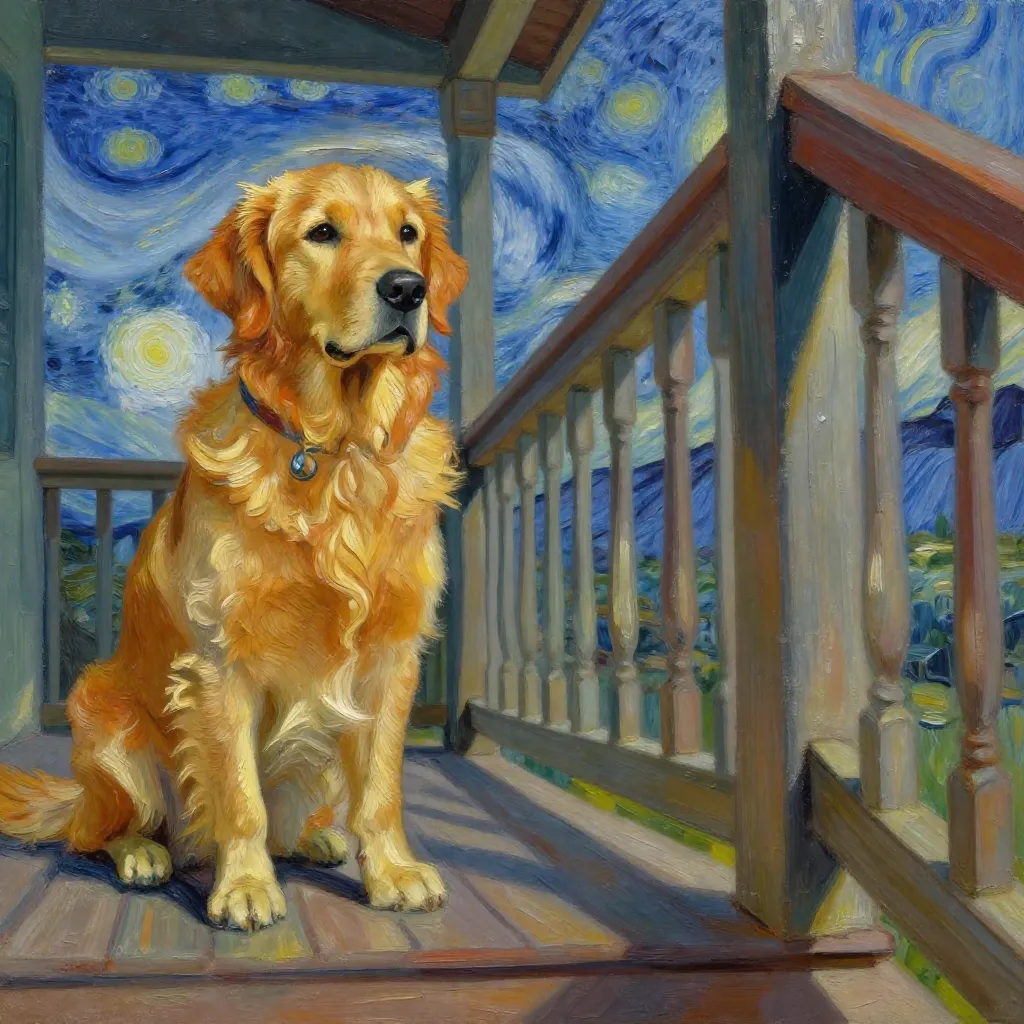
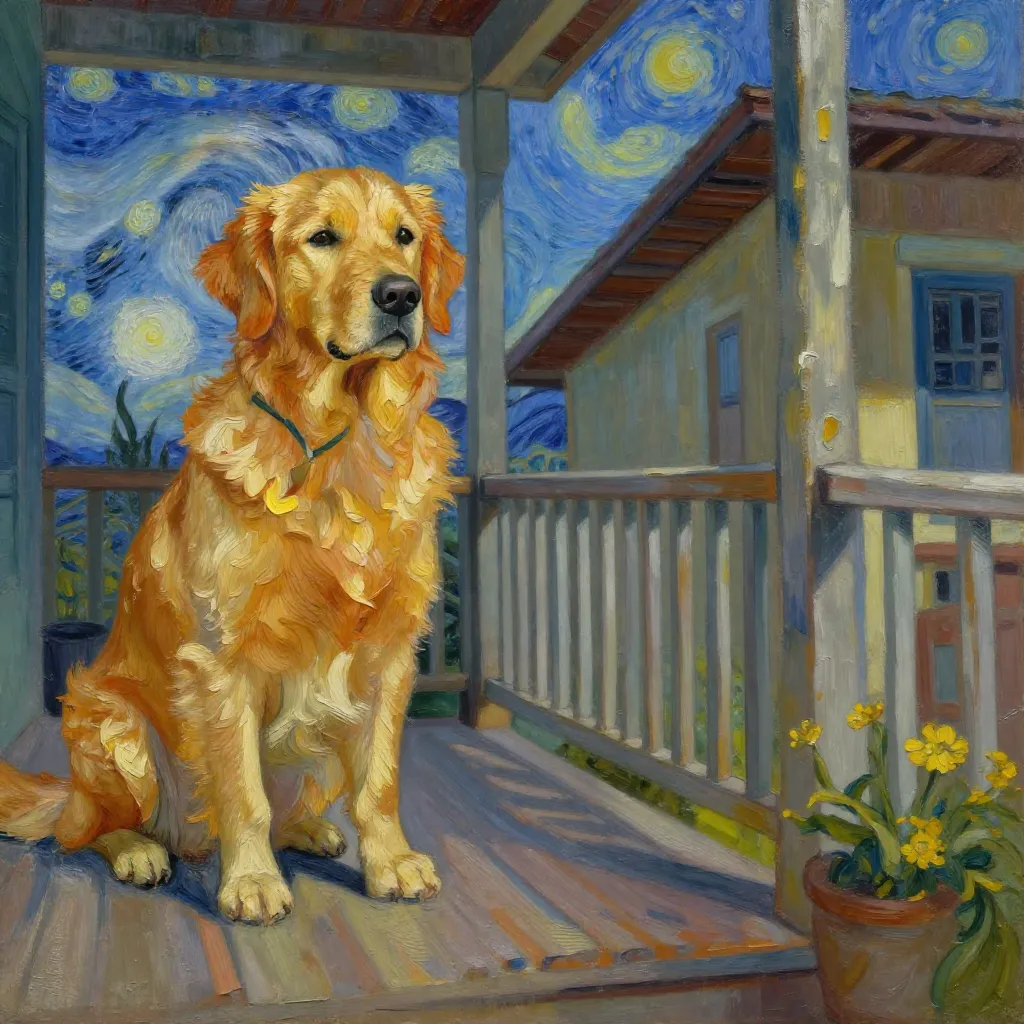
Model Details
Z-Image Turbo is a high-speed image-to-image model that transforms an existing image based on a text prompt. By providing both an initial image and a description, you can guide the model to create a new, modified version that blends the structure of your original image with the concepts in your prompt. Its speed makes it excellent for rapid iteration and creative exploration.
This model is ideal for a wide range of creative tasks, such as changing the style of a photograph, turning a simple drawing into a detailed illustration, modifying objects or scenery in a picture, or rapidly iterating on visual concepts.
### How to get the best results - **Input Image:** Start with a clear, well-defined image. The model will use its composition and forms as a structural base. - **Prompting:** Write a descriptive prompt for the *final* image you want. The model will try to apply these new concepts to the input image. - **Strength:** The `strength` parameter is key to balancing the influence of the input image and the prompt. A lower value (e.g., 0.4) gives the model more creative freedom to follow the prompt, resulting in bigger changes. A higher value (e.g., 0.8) makes the output adhere more closely to the original image's structure. - **Seed:** To create reproducible results, you can use the `seed` parameter. The same seed, prompt, and input image will generate the same output every time.
### Example Usage To run this model via the ModelRunner javascript client, use the following code:
```javascript import { modelrunner } from "@modelrunner/client";
const result = await modelrunner.subscribe('tongyi-mai/z-image/turbo/image-to-image', { input: { "prompt": "A young Asian woman as a fantasy elf with long, vibrant silver hair, standing in a mystical forest. She has pointed ears and wears ornate elven attire.", "image_url": "https://storage.googleapis.com/falserverless/example_inputs/z-image-turbo-i2i-input.png", "strength": 0.7, "num_images": 1 } });
console.log(result); ```